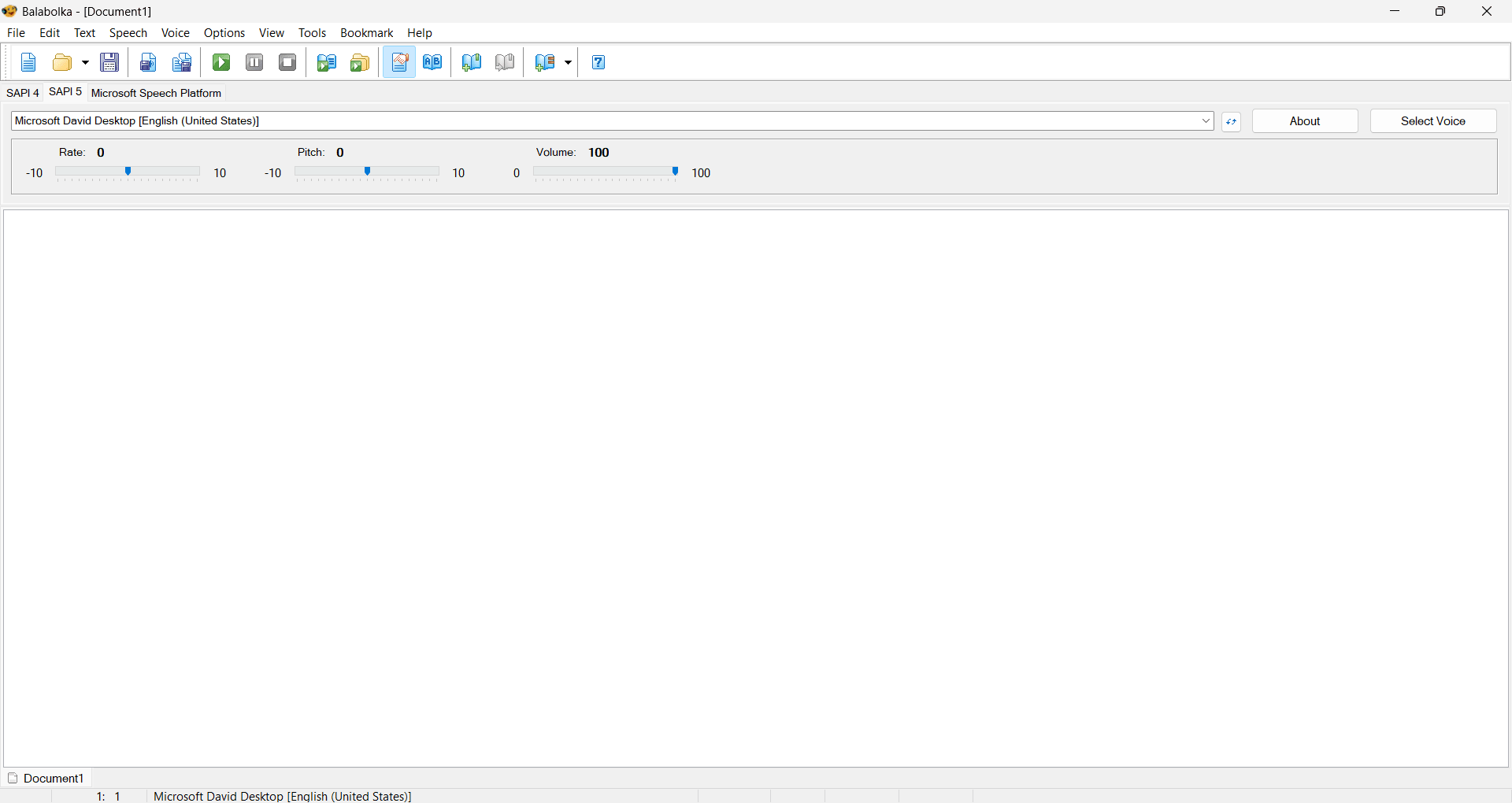
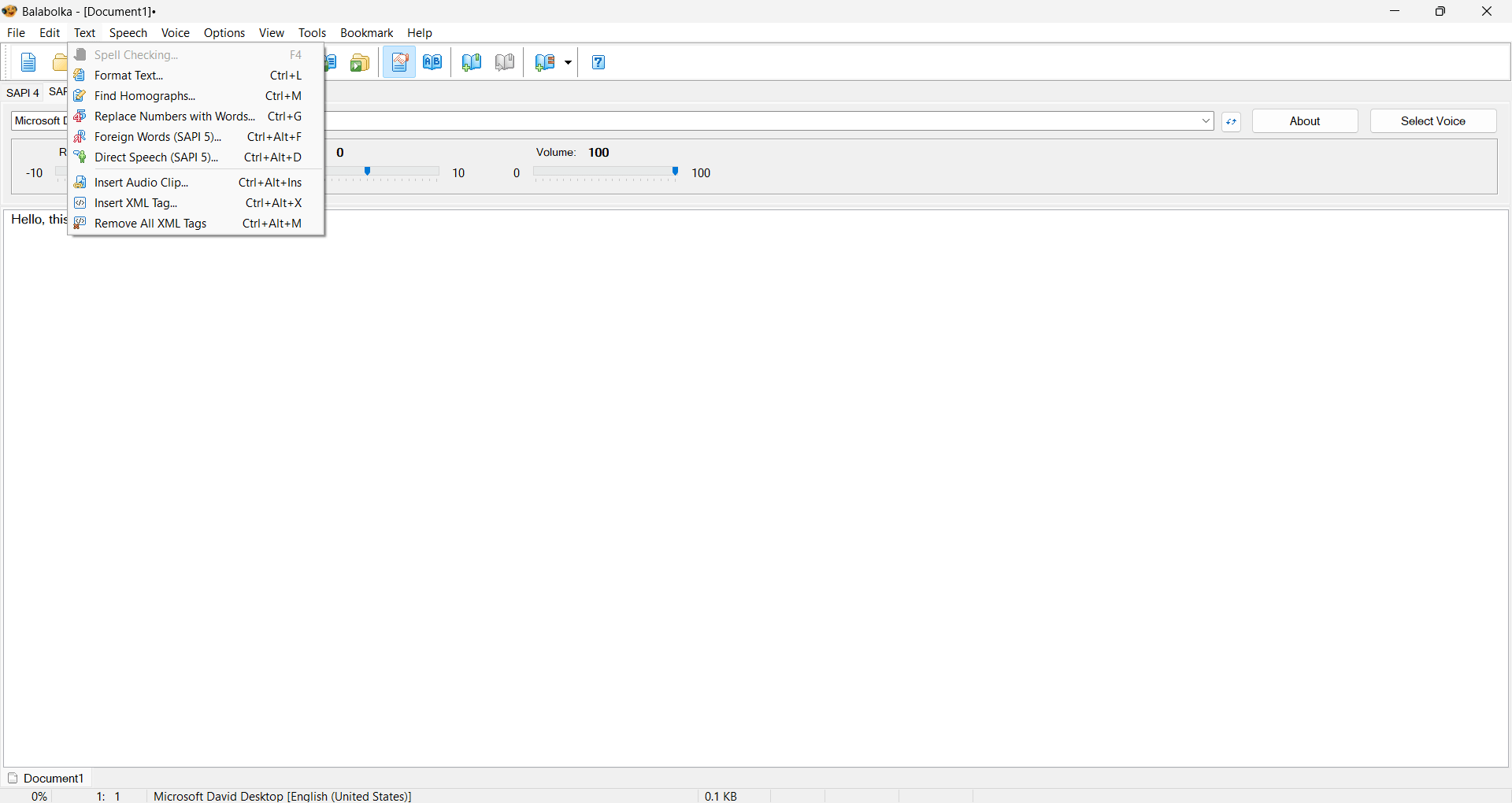
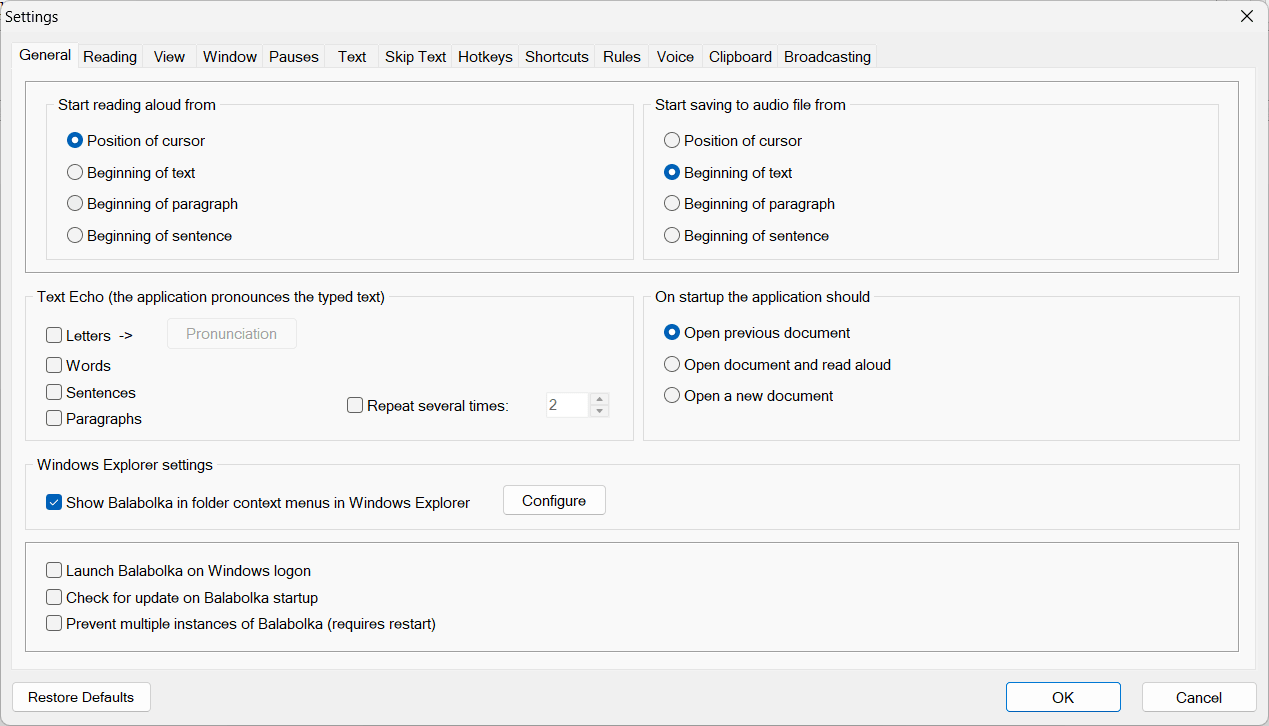
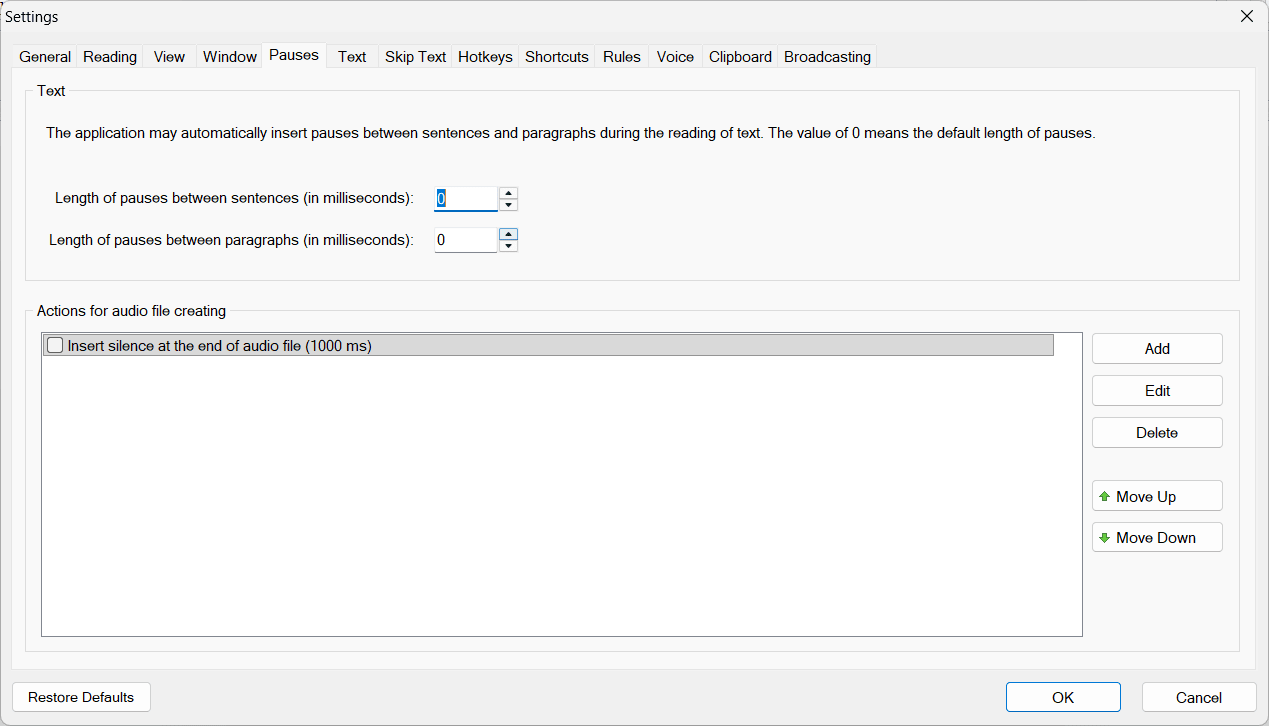
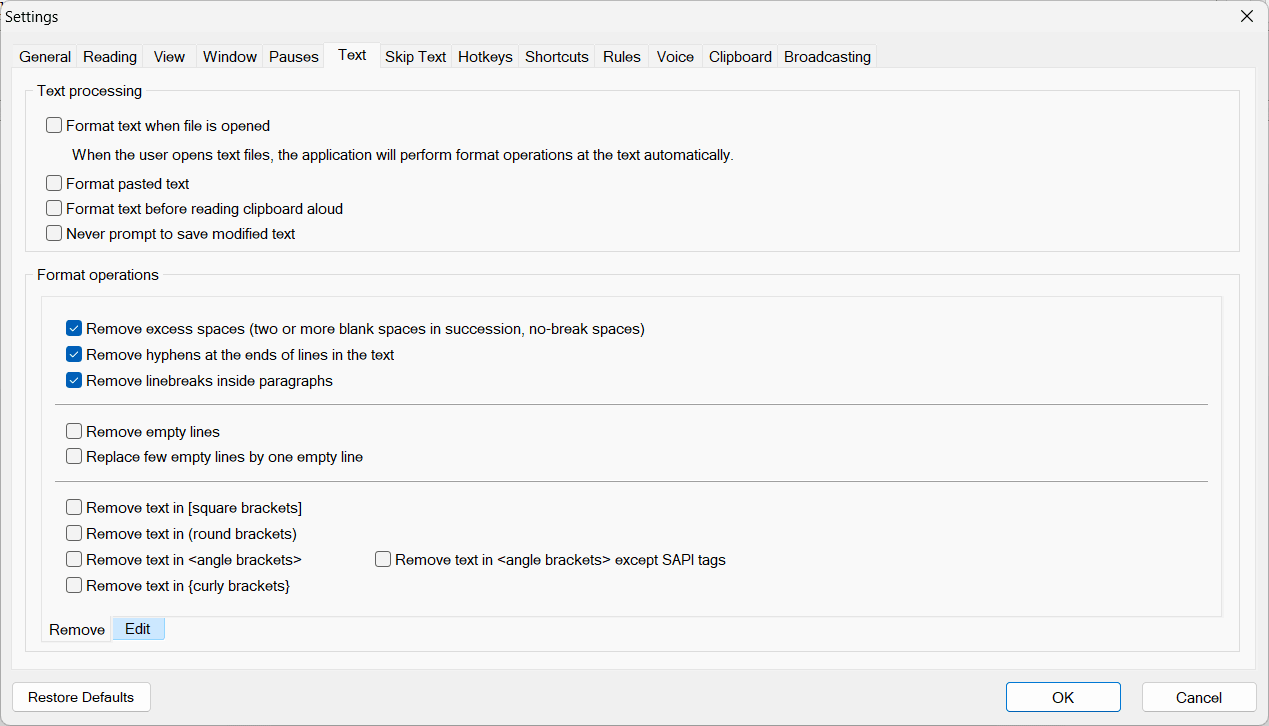
Balabolka is a free Windows application that converts written text into spoken audio using your system's pre-installed speech engines. It handles a massive variety of document formats, letting you turn almost any text file into a listening experience.
While the interface feels stuck in an older era of Windows design, the software delivers comprehensive speech control and deep customization beneath the surface, making it an incredibly practical tool for anyone who prefers listening over reading.
Text-to-speech and voice customization
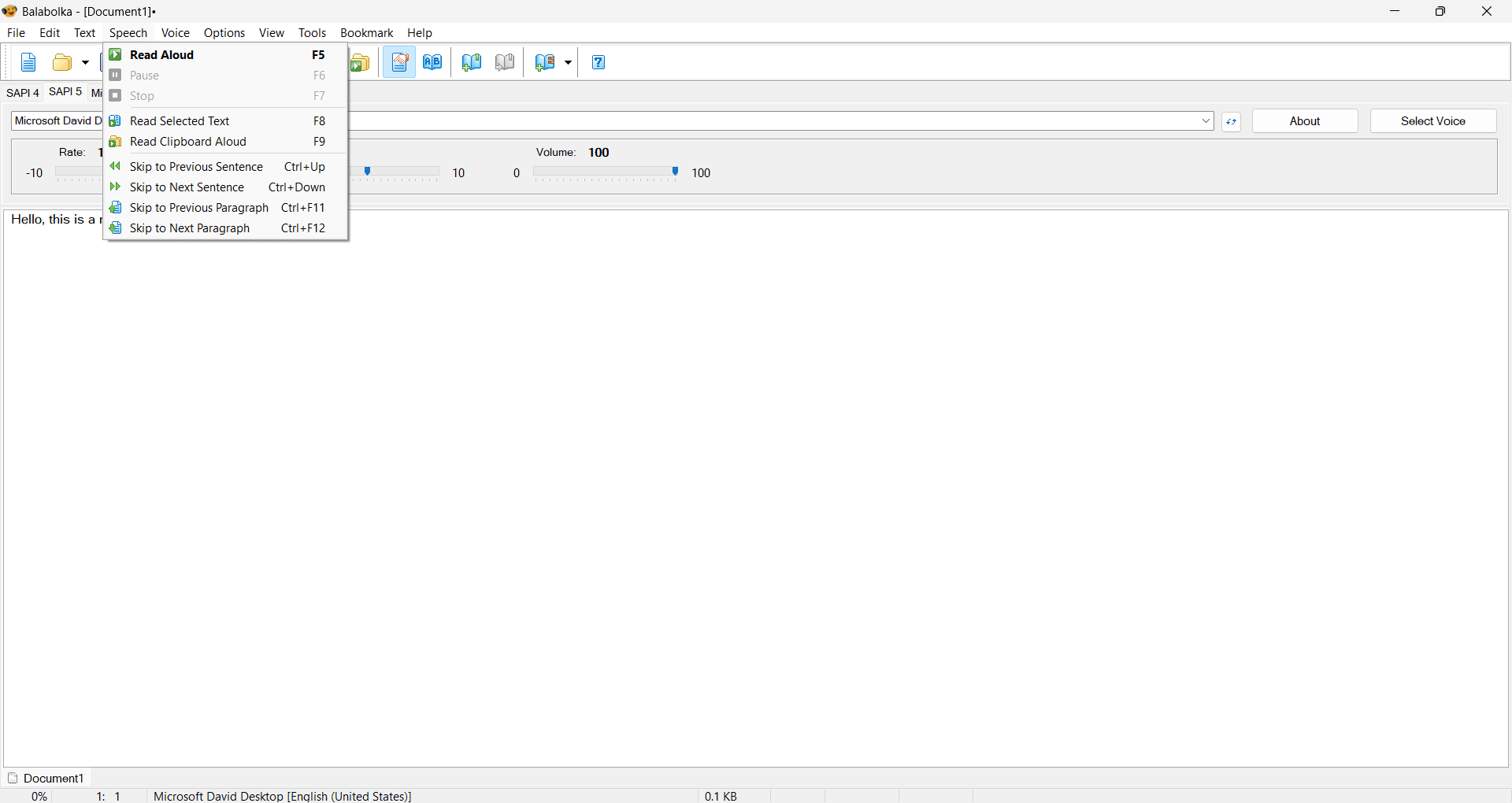
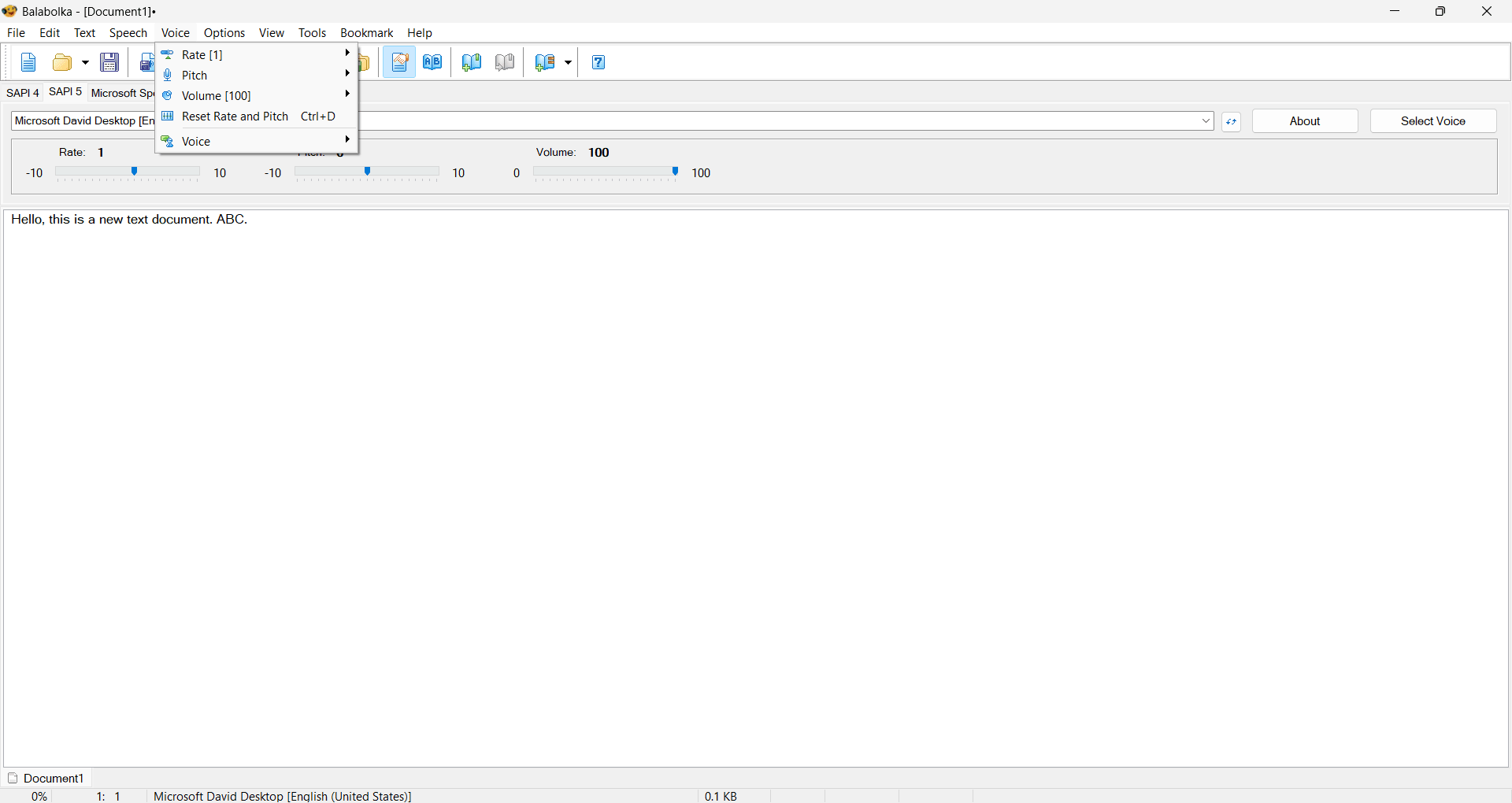
The core engine relies on Microsoft Speech API (SAPI) voices already installed on your PC, alongside excellent support for third-party voice packages. You maintain granular control over how the document sounds, with direct settings for:
- Speech rate controls
- Pitch adjustment settings
- Volume customization options
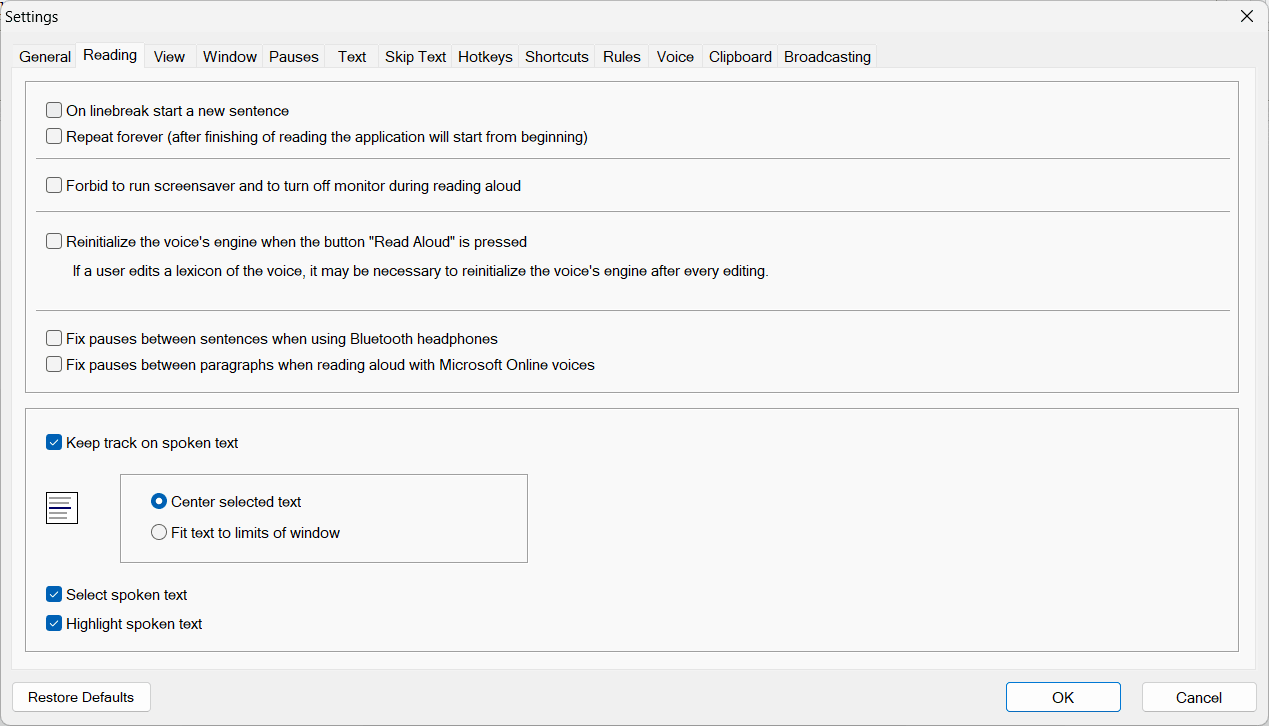
To help you follow along visually, the software highlights the exact text on screen as it speaks, which proves highly useful for proofreading long documents or studying complex material.
Additional tools and advanced features
Balabolka pushes past basic playback with a built-in Batch File Converter. This utility lets you convert multiple text documents into audio files in a single run, saving significant time for bulk operations.
It also integrates online TTS services. If you want higher-quality voices than your local machine offers, you can route your text through supported cloud-based speech engines. Another unique inclusion is the Spritz-style reader, which flashes words on screen in rapid succession to train faster reading speeds and improve focus. While not a traditional text-to-speech function, it offers an excellent alternative way to rapidly consume written content.
Pricing and availability
Balabolka operates on a completely free licensing model. You get full access to the batch converter, the online TTS routing, and all customization tools without hitting a paywall. However, because developers occasionally introduce premium tiers or paid updates, it is always recommended to check the official website, as the final cost depends on the tier chosen or active promotions.
A versatile text-to-speech solution for Windows users
It lacks a modern aesthetic and skips native AI processing, but Balabolka delivers a highly functional text-to-speech experience. With its broad format support, flexible audio exporting, and compatibility with various speech engines, it stands out as a powerful, lightweight utility that simply gets the job done.